
WBSU result 2025: UG NEP, CBCS even semester results declared at wbsu.ac.in, check direct link here
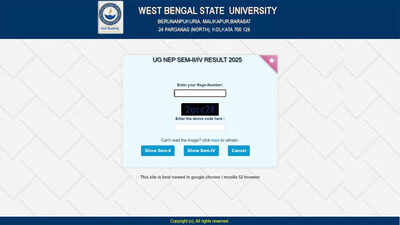
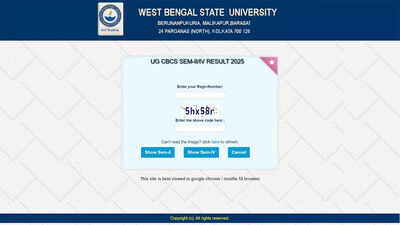
WBSU result 2025: West Bengal State University (WBSU) has officially declared the UG CBCS and UG NEP Sem-II/IV results for 2025. Candidates enrolled in undergraduate programmes under both the Choice Based Credit System (CBCS) and the National Education Policy (NEP) can now check their results online through the official university portal. Students must enter their registration number and captcha code to access subject-wise marks securely. A direct link has been provided for convenient access.Students are required to enter their registration number and the captcha code to access their results. The university has provided a direct link for easy access, allowing candidates to view their marks without navigating multiple pages. The results are expected to help students in planning their future academic steps and preparing for further semesters.UG CBCS result details and eligibilityThe UG CBCS even semester results include marks obtained in each subject for Sem-II and Sem-IV students. WBSU has ensured that all registered candidates can verify their results securely. Candidates must use their unique registration number as mentioned in their admit card. The university advises students to keep a digital or printed copy of the result for official reference.The result portal has been designed for smooth access and quick loading, accommodating high traffic. Candidates experiencing any issues with the login process are encouraged to retry after some time. The official portal is the only authorised source for result verification.
How to check and download WBSU result 2025
Candidates can follow these five steps to check and download their UG CBCS even semester results:Step 1: Visit the official result portal at https://wbsuexams.net/resultcbcs__25_all.php.Step 2: Enter your registration number in the designated field.Step 3: Type the captcha code displayed on the screen accurately.Step 4: Click on the “Submit” button to view your result.Step 5: Download or print the result for future reference.Official instructions and further updatesWBSU has reminded students to verify all details carefully, including subject-wise marks and personal information. Any discrepancies should be reported immediately to the university authorities. Students are also advised to retain the result copy for admission, re-evaluation, and other academic procedures.The declaration of the UG CBCS even semester results marks an important step for thousands of students enrolled at West Bengal State University. Candidates can now access their results directly through the official portal and plan their next academic steps accordingly.