Children’s Day 2025: How to turn childhood moments into adorable AI portraits with Google Gemini prompts |


Children’s Day in India is celebrated every year on 14 November to honour the birth anniversary of Jawaharlal Nehru, the country’s first Prime Minister, who was fondly known as Chacha Nehru. The day is dedicated to recognising the joy, innocence and curiosity that children bring into the world. Schools across the country mark the occasion with cultural events, fun activities and special programmes designed to celebrate childhood. Alongside these traditional celebrations, families are now embracing digital creativity as a way to make the day more memorable. With the rise of AI-powered image tools such as Google Gemini and Nano Banana, parents can create adorable, personalised portraits of their children. These AI-generated artworks add a modern, heartwarming twist to the festivities.
10 Gemini AI prompts to create Children’s Day portraits
Here are some adorable prompts you can use to create heartwarming Children’s Day portraits with Google Gemini or similar AI tools.
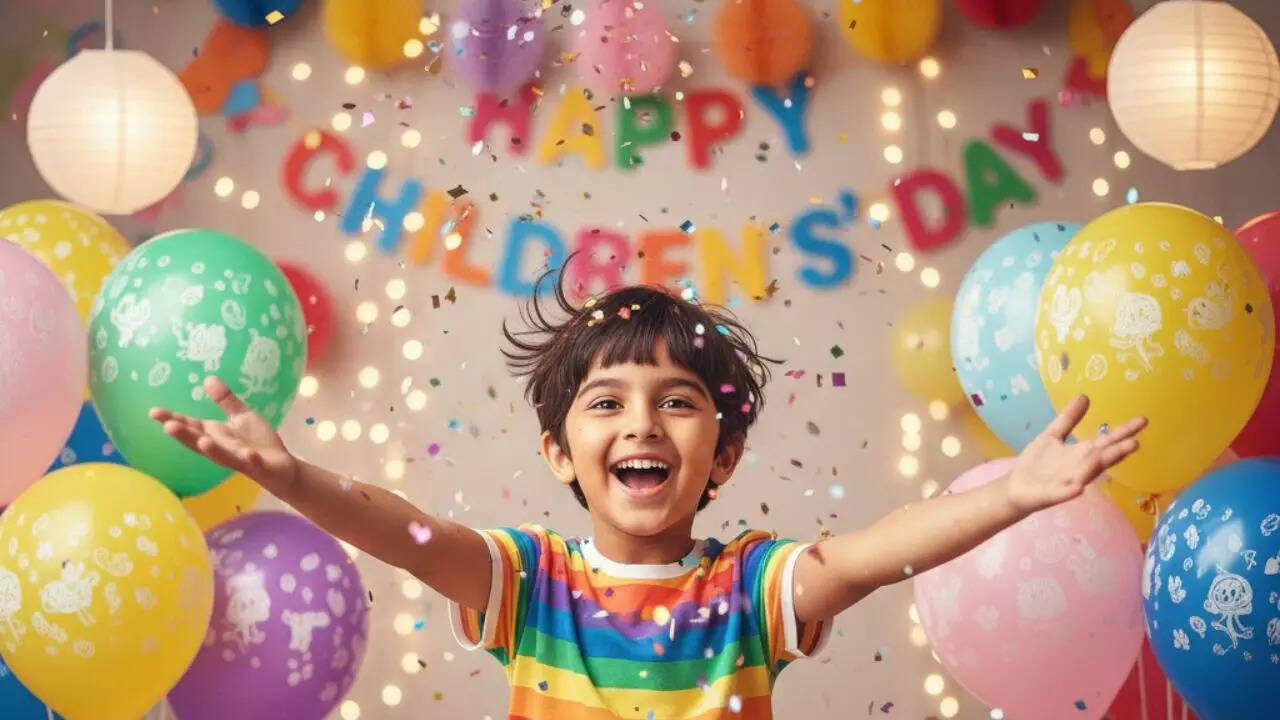
Prompt 1:Create a joyful Children’s Day portrait of a smiling child surrounded by colourful balloons, confetti and festive decorations.
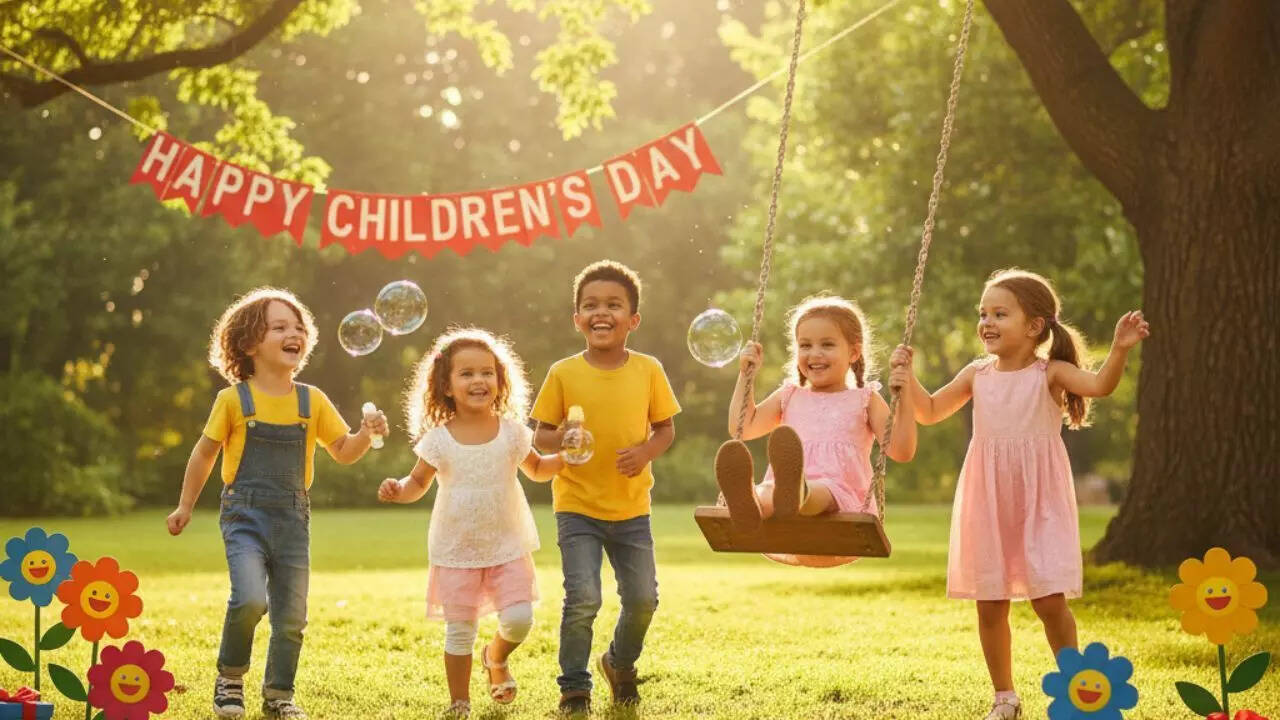
Prompt 2:Generate a cute portrait of children playing together in a park on Children’s Day with bright sunshine, flowers and happy expressions.
Prompt 3:Make an adorable portrait of a child receiving a Children’s Day gift box filled with toys, sweets and sparkles.
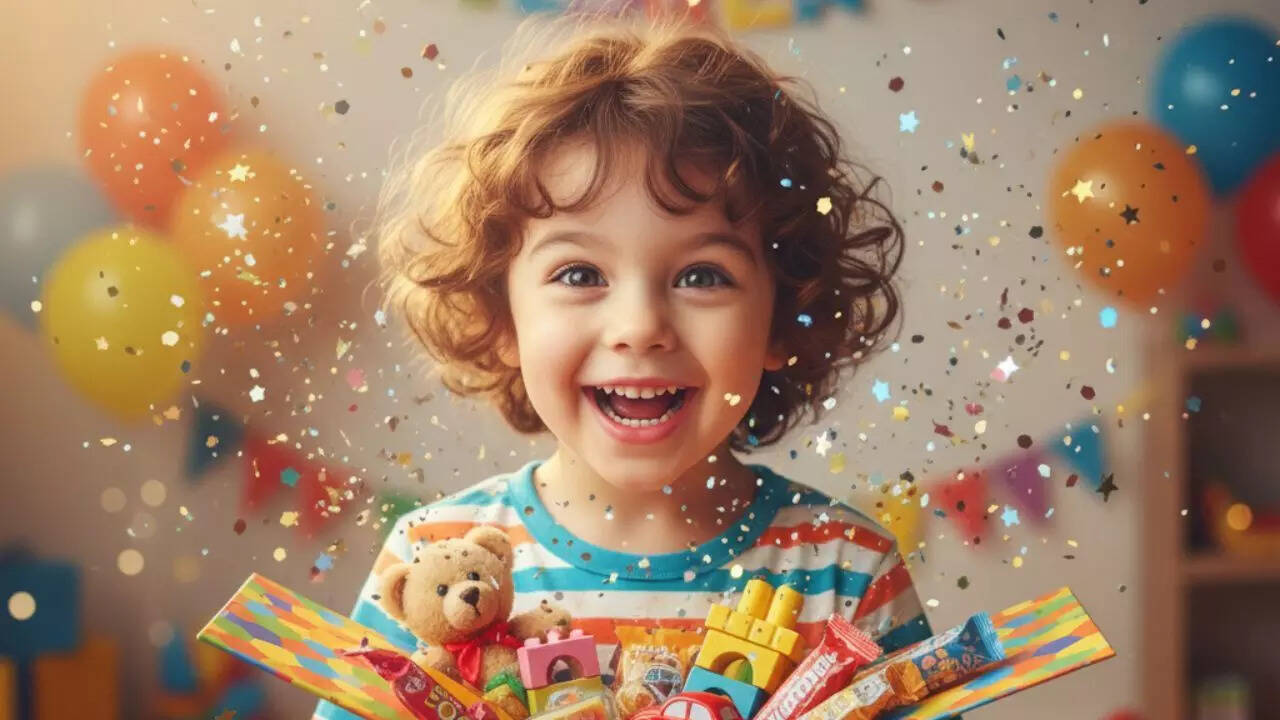
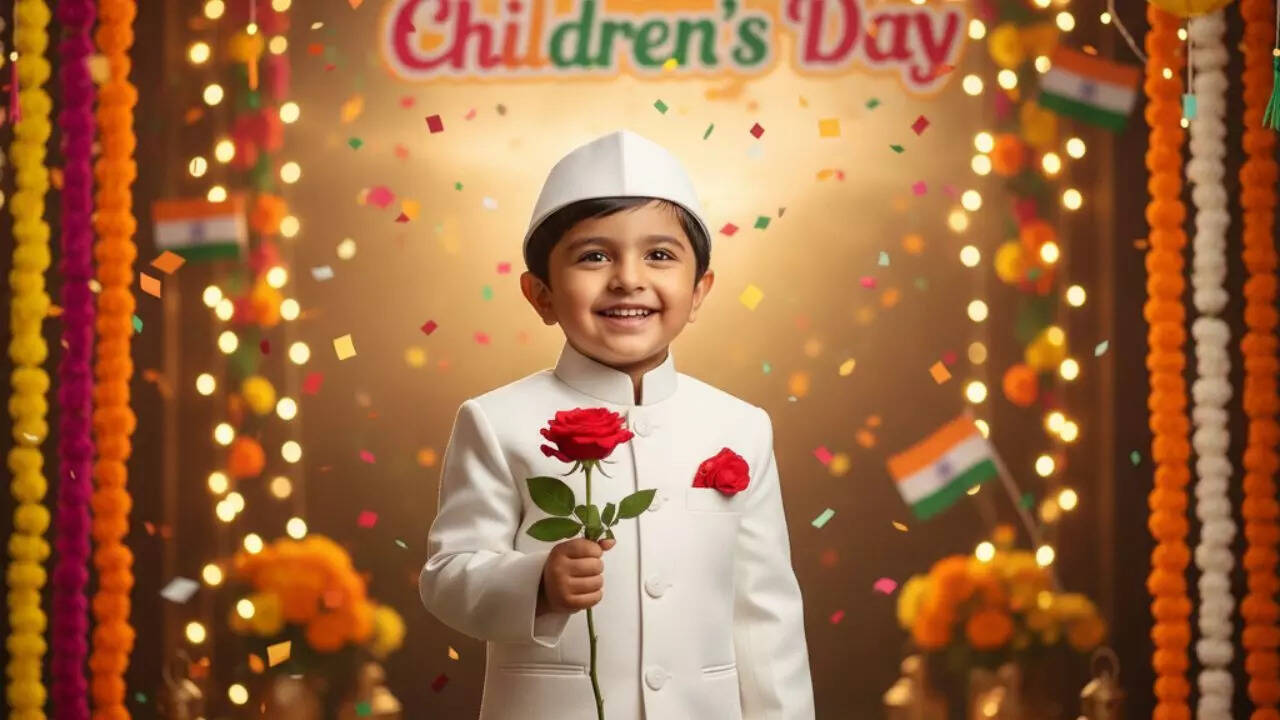
Prompt 4:Create a warm Children’s Day scene of a child dressed as Chacha Nehru holding a rose with a bright background inspired by Indian celebrations.
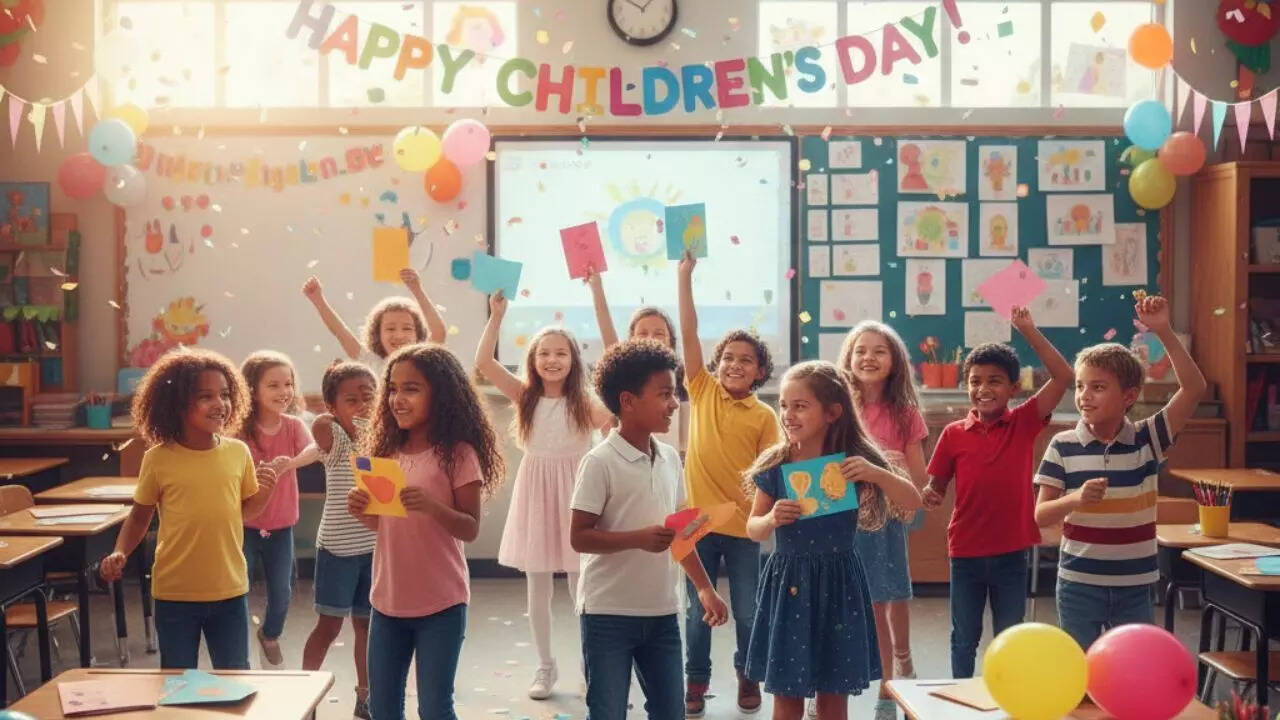
Prompt 5:Generate a lively classroom Children’s Day celebration with kids dancing, laughing and exchanging handmade cards.
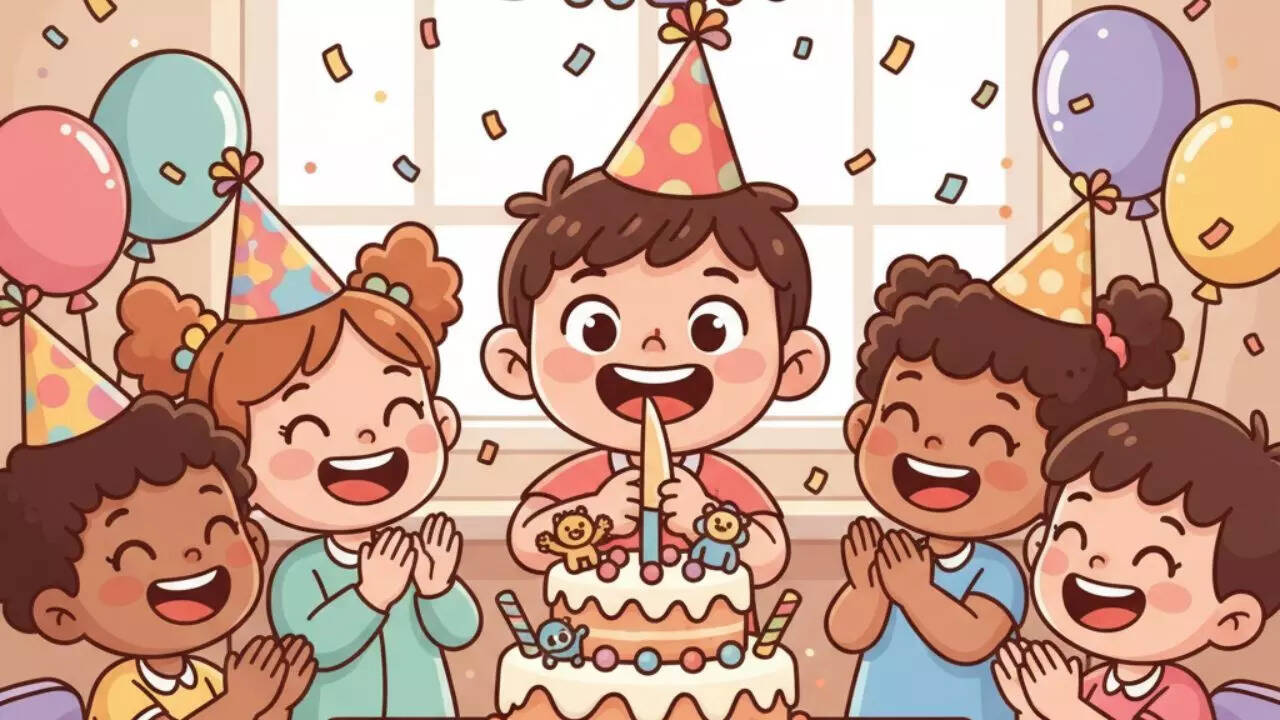
Prompt 6:Create a cute cartoon portrait of a child cutting a Children’s Day cake with joyful friends around.
Prompt 7:Make a soft, magical Children’s Day illustration of children releasing colourful balloons into the sky with smiles and excitement.
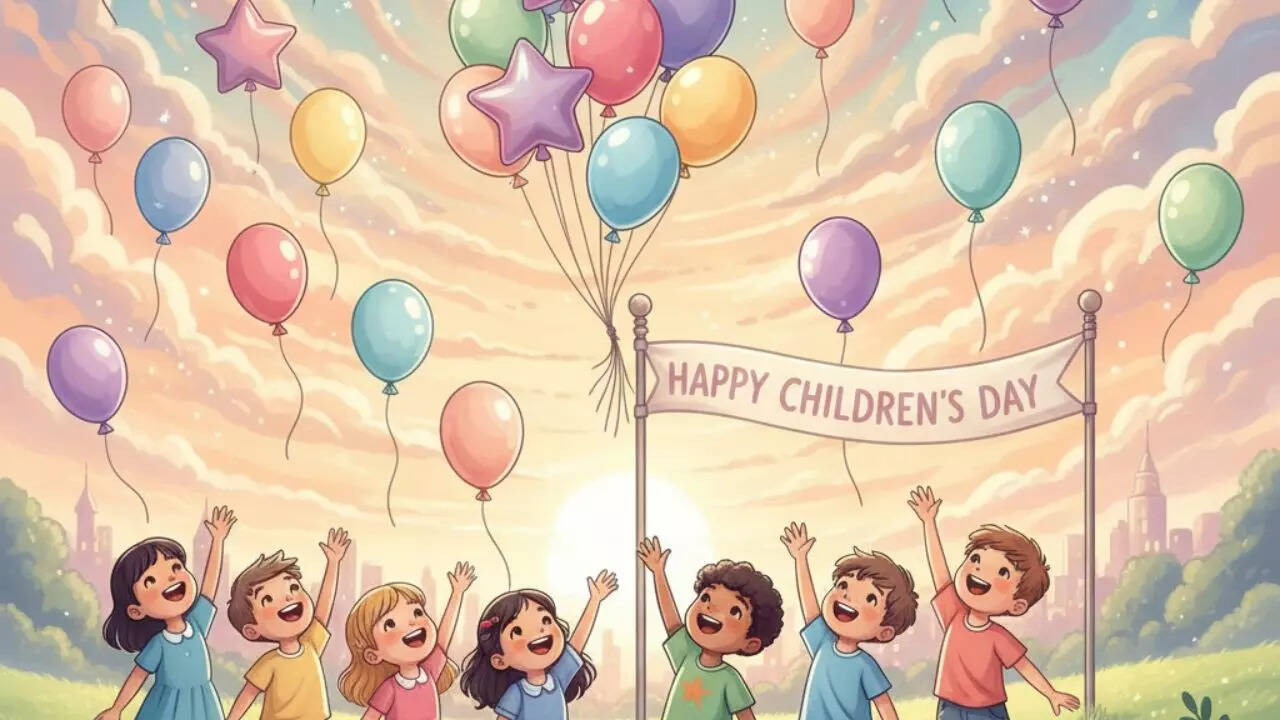
Prompt 8:Generate a sweet portrait of a child wearing a festive outfit enjoying a Children’s Day fair with cotton candy and merry go rounds.
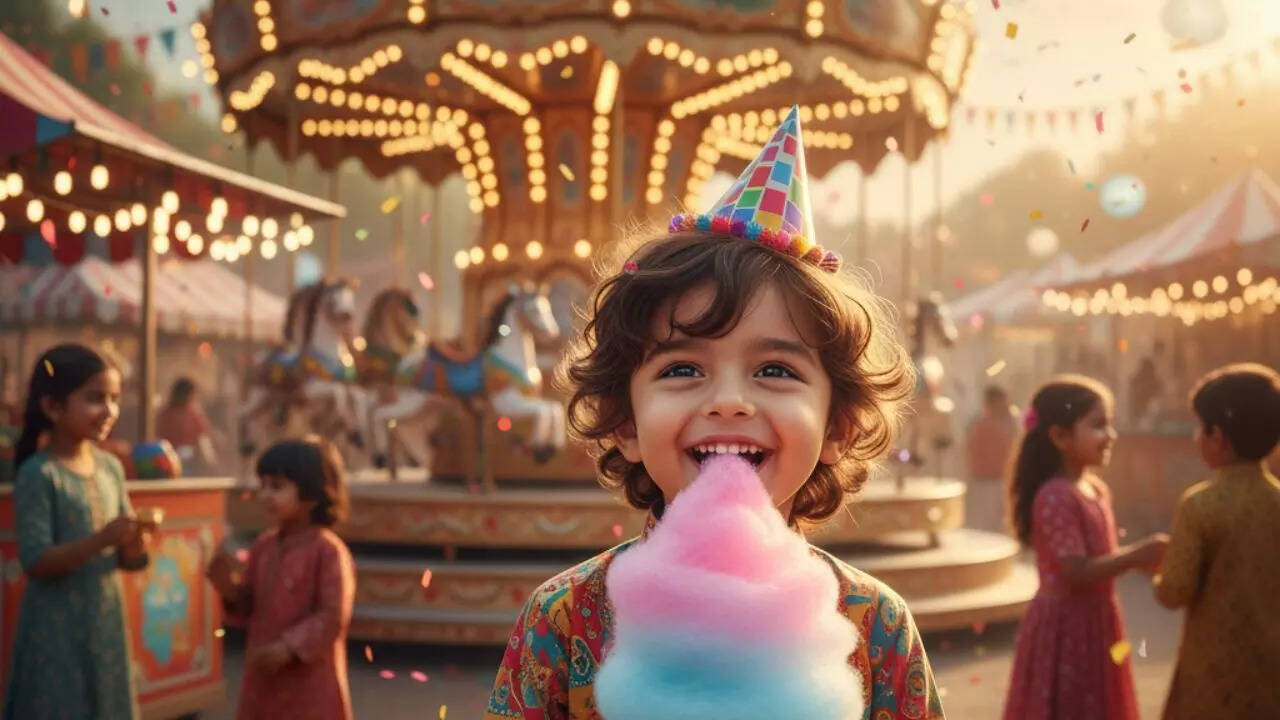
Prompt 9:Create a creative Children’s Day themed portrait of children painting, colouring and making crafts together in vibrant colours.
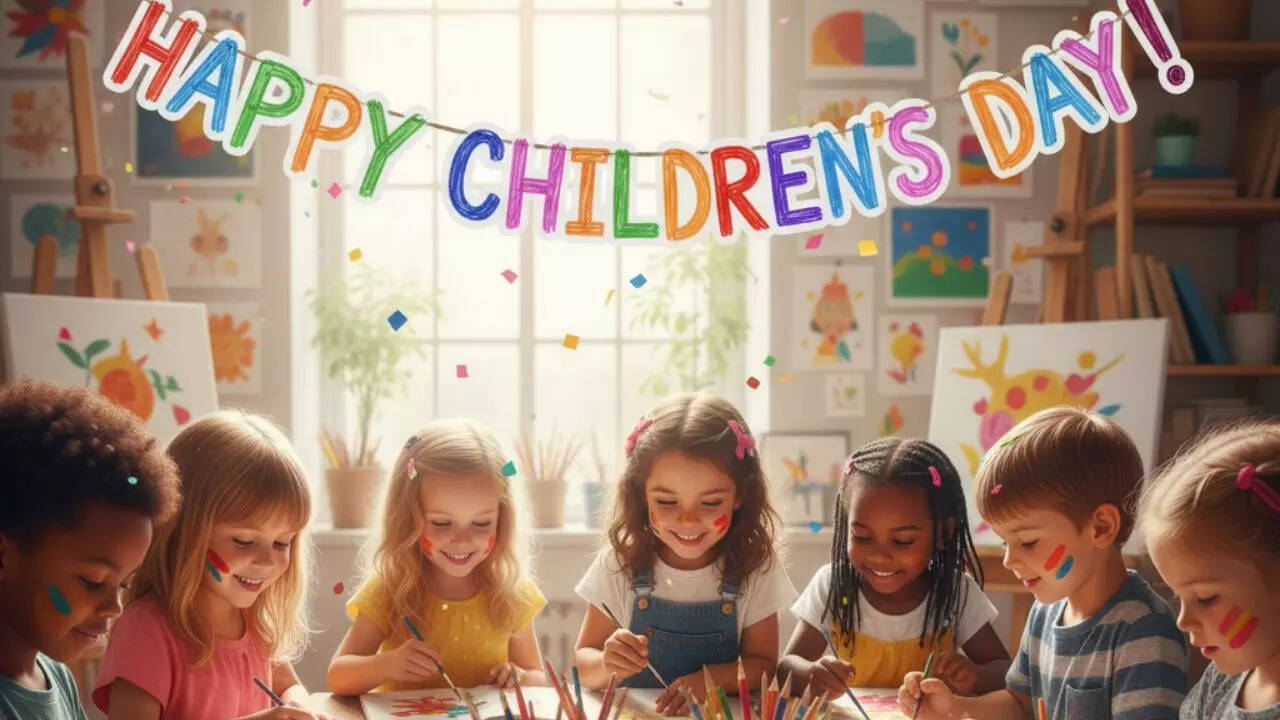
Prompt 10:Make an adorable portrait of children holding hands and forming a circle under a sky filled with sparkles, celebrating the spirit of Children’s Day.
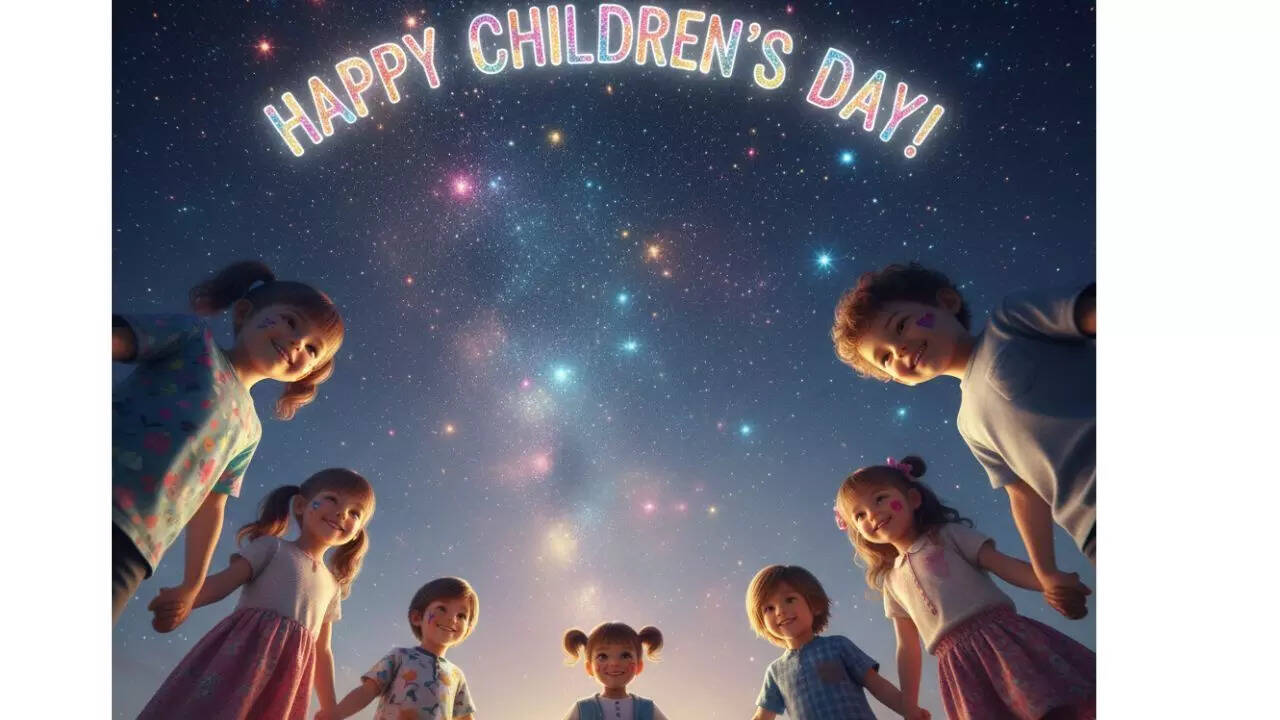
How to create Children’s Day portraits using Gemini AI (Step-by-Step)
- Step 1: Open Google Gemini, Nano Banana, or any AI photo-generation tool on your phone or laptop.
- Step 2: Choose whether you want to upload a real photo of your child or generate a portrait from scratch.
- Step 3: Select the “Image Creation” or “Photo Editing” option inside the tool.
- Step 4: Copy one of the Children’s Day prompts and paste it into the prompt box.
- Step 5: Add extra details if needed, such as lighting, colours, artwork style, or background theme to make the portrait more personalised.
- Step 6: Click “Generate” or “Create” to allow the AI to produce the portrait.
- Step 7: Review the generated output, and if something looks off, slightly refine the prompt and regenerate.
- Step 8: Use the tool’s editing options to enhance brightness, contrast, sharpness or add filters if required.
- Step 9: Save the final portrait in high resolution for printing, gifting, or sharing on social media.
- Step 10: Optionally, create multiple versions using different prompts to build a Children’s Day photo collection or collage.