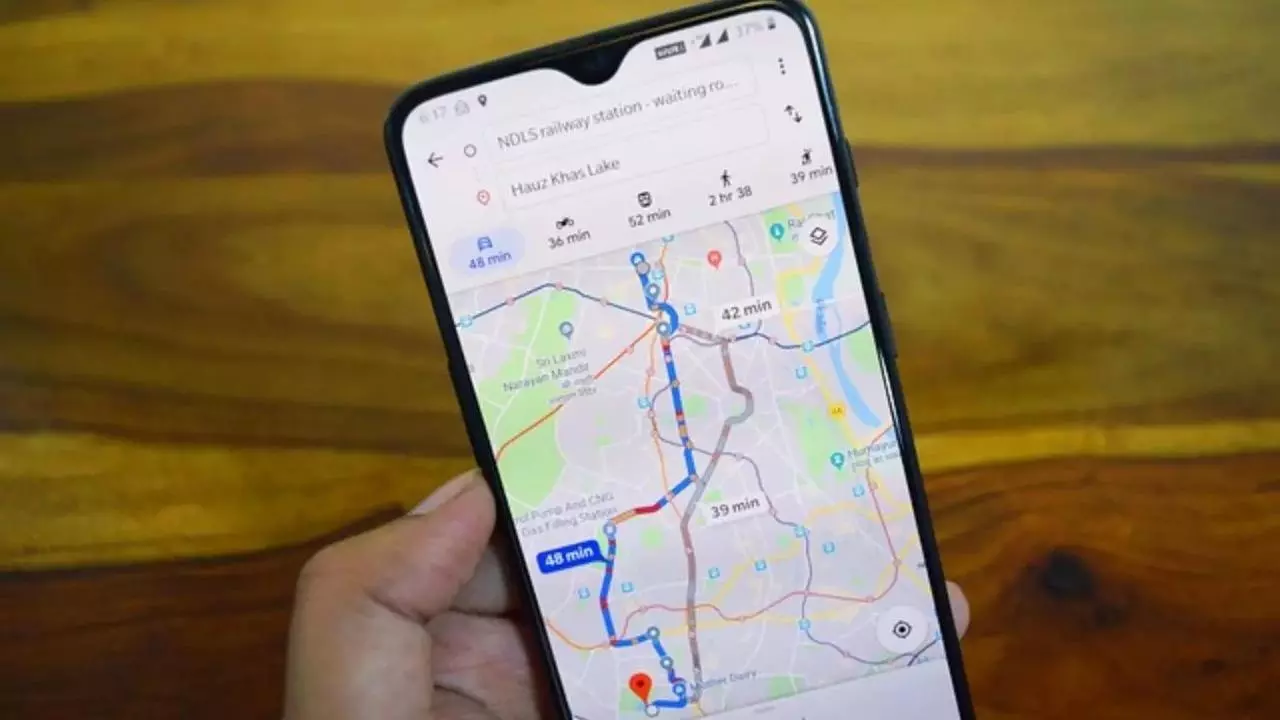

With winter already here and pollution levels rising, checking your local air quality has become an essential part of your daily routine before going outdoors. Google Maps has added an Air Quality Index (AQI) feature for users in India, providing real-time pollution information that helps people make better decisions about their outdoor plans and activities. This feature is available on both the mobile app and desktop version of Google Maps, showing air quality measurements through a simple colour-coding system. The scale ranges from green, indicating good air quality, through various warning levels, to dark red, indicating severe pollution. This tool helps users quickly check whether it’s safe to exercise outdoors, plan their commute timing, or take steps like wearing masks when air quality is poor. During winter, pollution typically increases due to factors like crop burning and temperature inversions, making it more important to have quick access to AQI data to protect your health.
Here’s how you can check the AQI on Google Maps in a few easy steps:
Follow these steps to check air quality on Google Maps:Step 1:Update your app: Make sure you have the latest version of Google Maps installed on your smartphone. The AQI feature is available for both Android and iOS users.Step 2: Search for a location: Open Google Maps and type the name of the city or area you want to check in the search bar. You can also zoom in on your current location.Step 3: Tap the “Layers” icon: Once the map loads, tap the layers icon (it looks like a stack of squares) just below the search bar on the right-hand side of your screen.
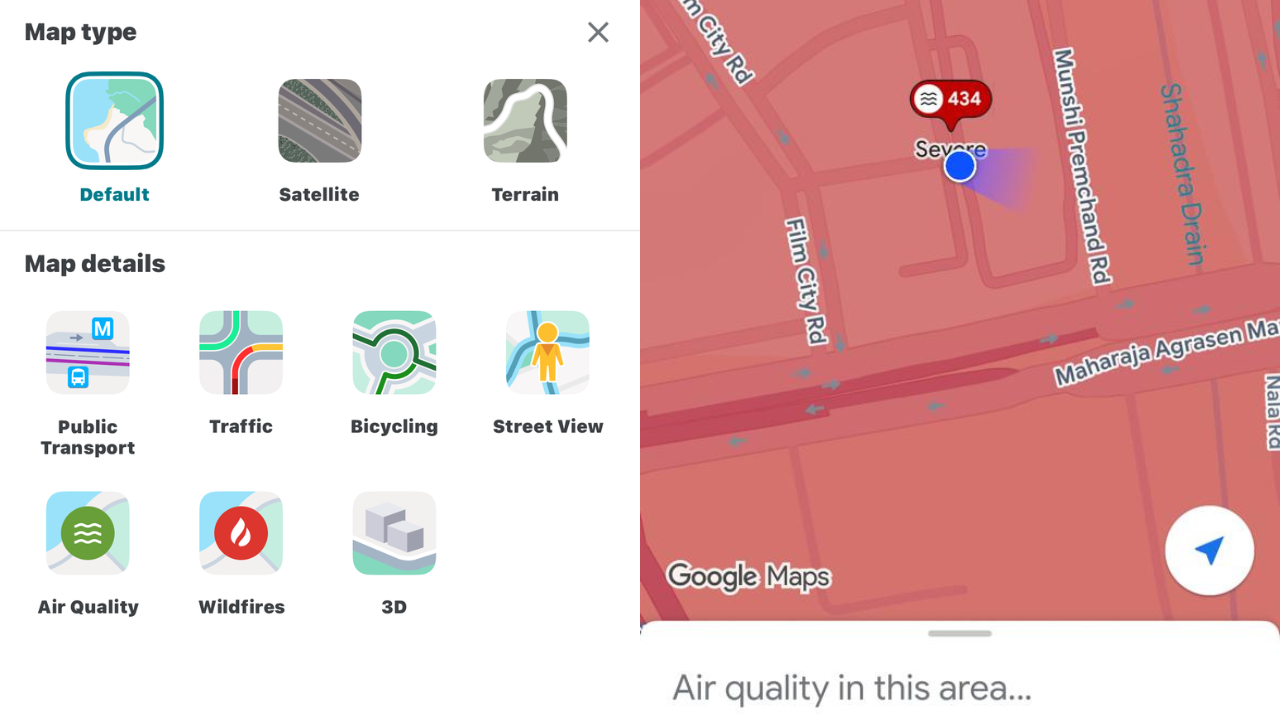
Step 4: Select “Air Quality”: From the menu that appears, tap “Air Quality.” The map will now display AQI readings for your area and nearby regions.Step 5: Explore details: Tap any location pin or shaded region on the map to see detailed AQI data, including the numerical score, pollutant levels, and health advice.
How to analyse the AQI scale to know the condition at your location
Google Maps uses a numerical and colour-coded system to indicate pollution levels:
Things to keep in mind
You can tap anywhere on the map to check the AQI for that specific area. The AQI data is updated hourly for greater accuracy. The feature works globally so that you can check pollution levels anywhere from Delhi to New York.Use the AQI layer before heading out for a run, planning a commute, or scheduling outdoor work. It’s a quick way to decide whether to step out with a mask, or stay indoors. With this simple Google Maps feature, keeping an eye on your city’s air quality is just a tap away, helping you breathe smarter every day.