Odisha Result Link Digilocker: Odisha 10th Result 2026: How to check scores on DigiLocker, Umang App, SMS and more
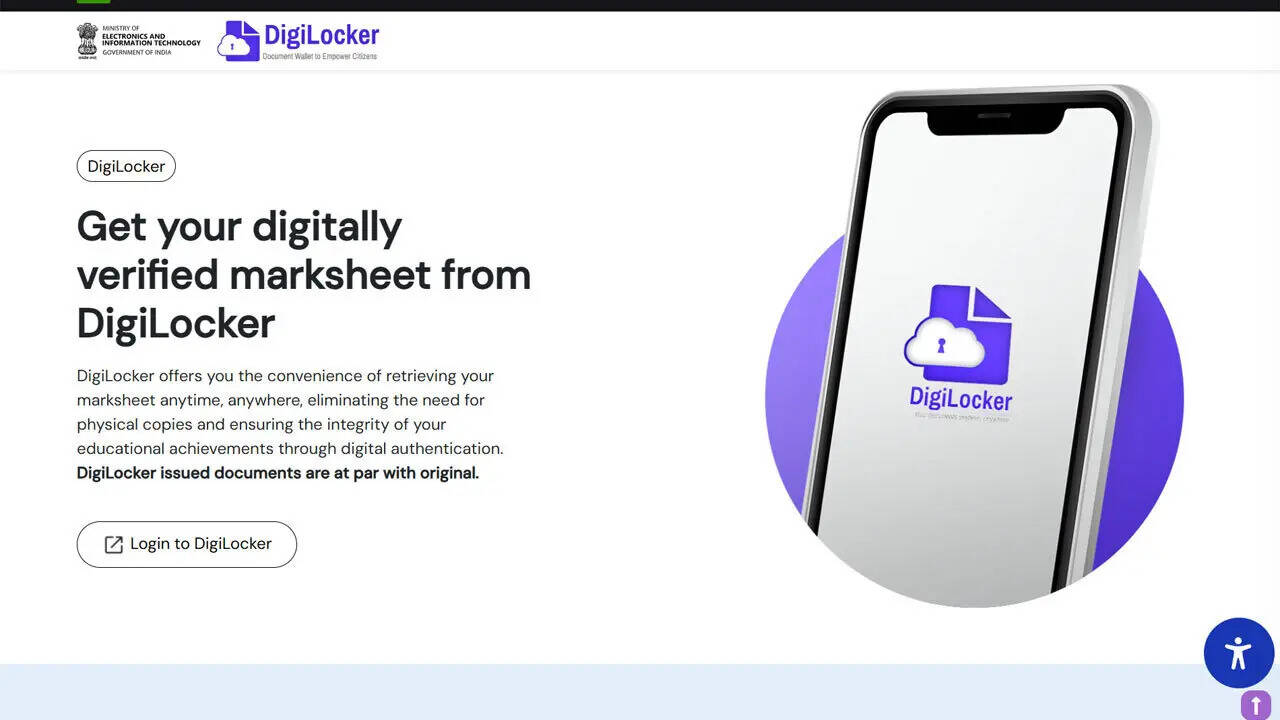
Odisha 10th Result 2026: Steps to check scores on DigiLocker Odisha 10th result 2026: The Board of Secondary Education, Odisha will announce the Class 10 examination results today, May 1, 2026, bringing clarity for over 5.6 lakh students who appeared for the annual High School Certificate examinations. The declaration is scheduled for 4 pm, while online access to provisional marksheets will begin later in the evening.A total of 5,61,979 candidates appeared for the examinations conducted across more than 3,000 centres in the state between February 19 and March 2, 2026. The board has enabled multiple platforms for accessing results to ensure that students in both urban and remote areas can check their scores without difficulty.How to check result on DigiLockerDigiLocker remains one of the primary platforms for accessing official academic documents. Students can retrieve their Odisha Class 10 marksheets by following these steps:Step 1: Visit the DigiLocker website or open the mobile application.Step 2: Sign in using registered mobile number or Aadhaar credentials. New users must complete a one-time registration.Step 3: Navigate to the ‘Education’ or ‘Issued Documents’ section.Step 4: Select the Board of Secondary Education, Odisha from the list of issuers.Step 5: Enter the required details such as roll number and examination year.Step 6: Submit the information to access the provisional marksheet.Step 7: Download and save the document for future use.The DigiLocker copy is considered a valid digital document until original certificates are issued through schools.Steps to check result online through official websitesStudents can also access their results through the official result portals. After visiting the homepage, candidates need to click on the Class 10 result link, enter their roll number and captcha code, and submit the details. The marksheet will be displayed on the screen and can be downloaded for reference.Access through Umang App and SMS serviceThe Umang App offers another option for checking results. Students need to log in, search for Odisha board services, select the result section, and enter their credentials to view scores.For those without internet access, the SMS facility has been activated. Students can type OR10 followed by their roll number and send it to 5676750. The result will be delivered to the registered mobile number.Key details and post-result processThe provisional marksheet will include the student’s name, roll number, subject-wise marks, total score, and qualifying status. Students are required to secure at least 33 per cent in aggregate and 30 per cent in each subject to pass.Those who do not meet the criteria will be eligible for supplementary examinations, with details to be announced separately. School authorities will be able to download the tabulation register after 7 pm to assist in further procedures. Original certificates will be distributed through respective schools at a later stage.